Voice commands for the drive
Start albums and control playback with Siri, so the app stays useful when your hands need to stay on the wheel.
For iPhone and iPad
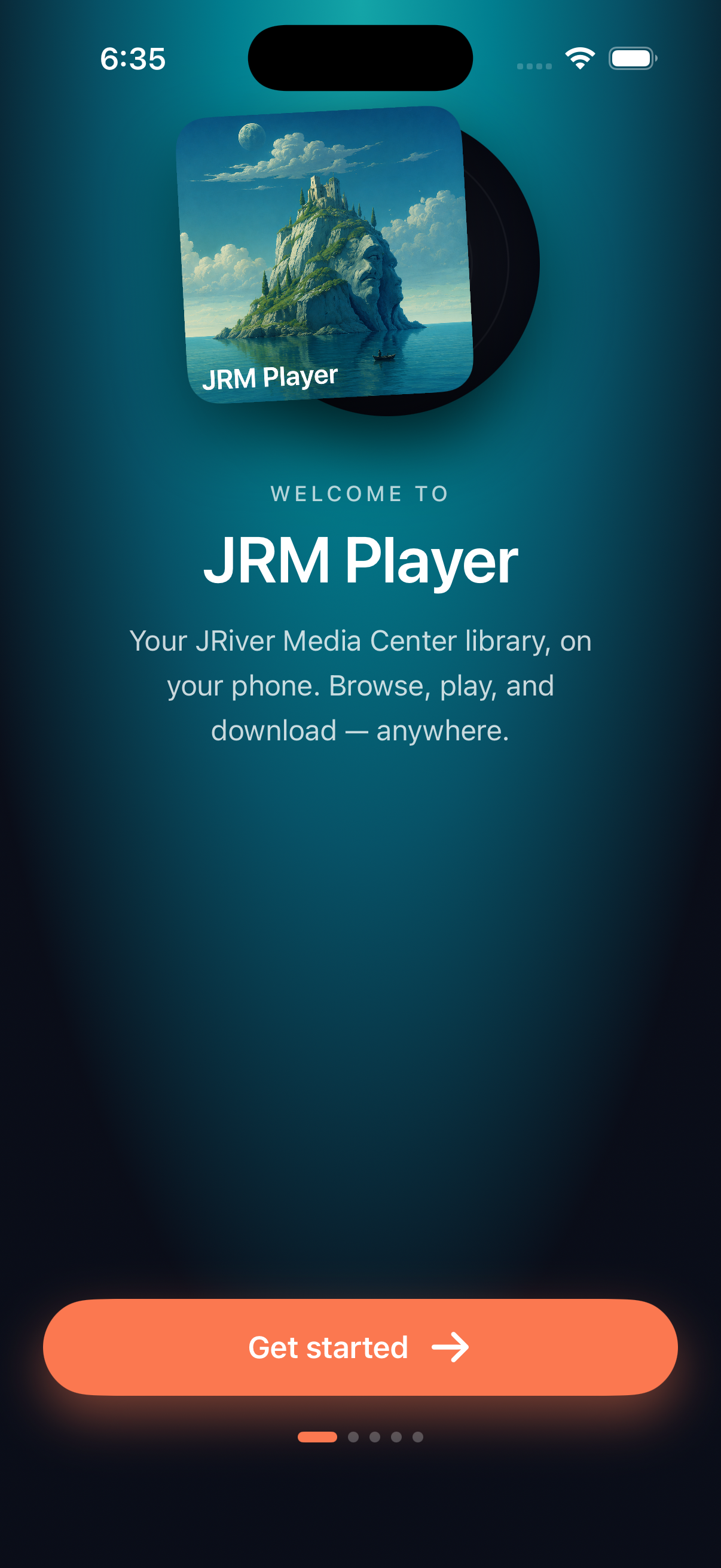
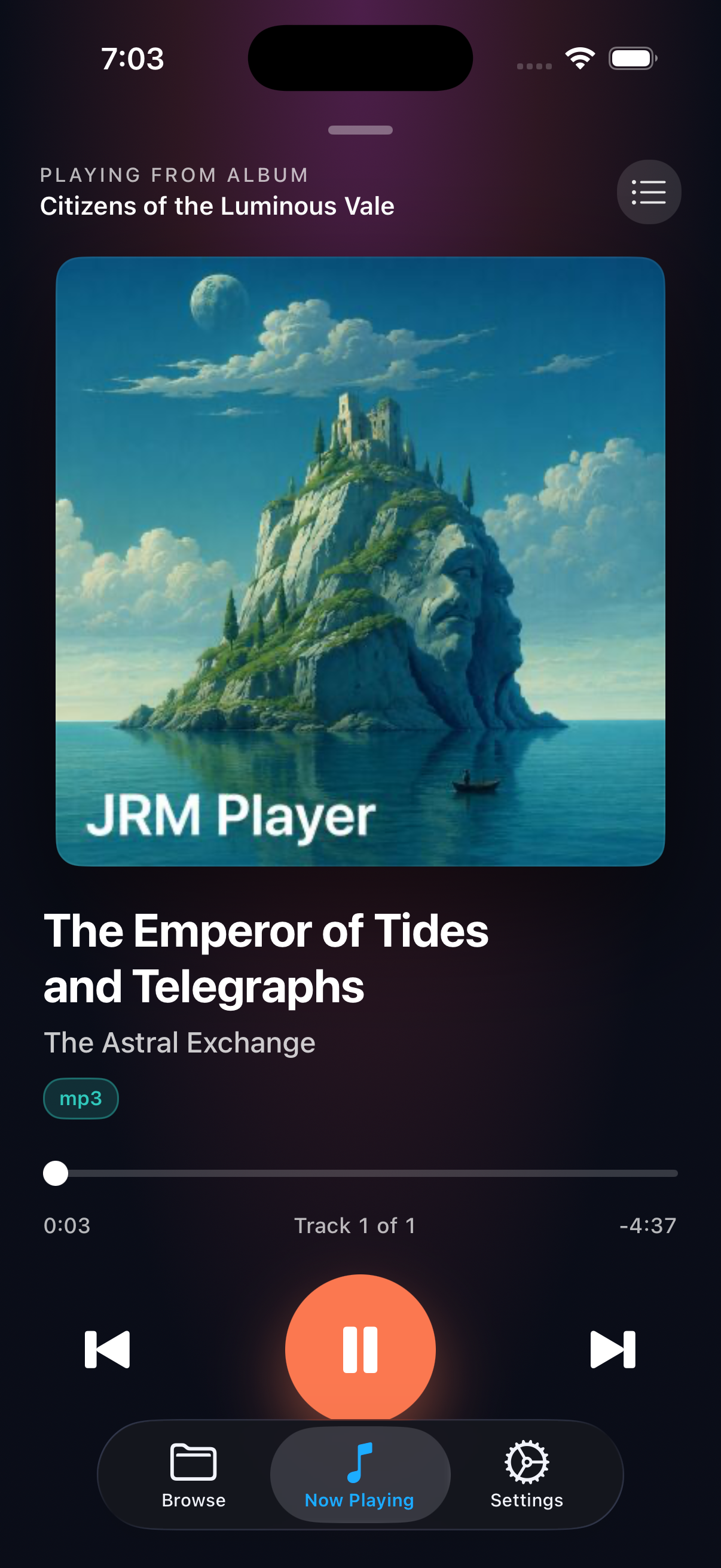
JR Player streams music from JRiver Media Center, starts playback immediately, and keeps cached tracks playing when the signal gets unreliable.
Start albums and control playback with Siri, so the app stays useful when your hands need to stay on the wheel.
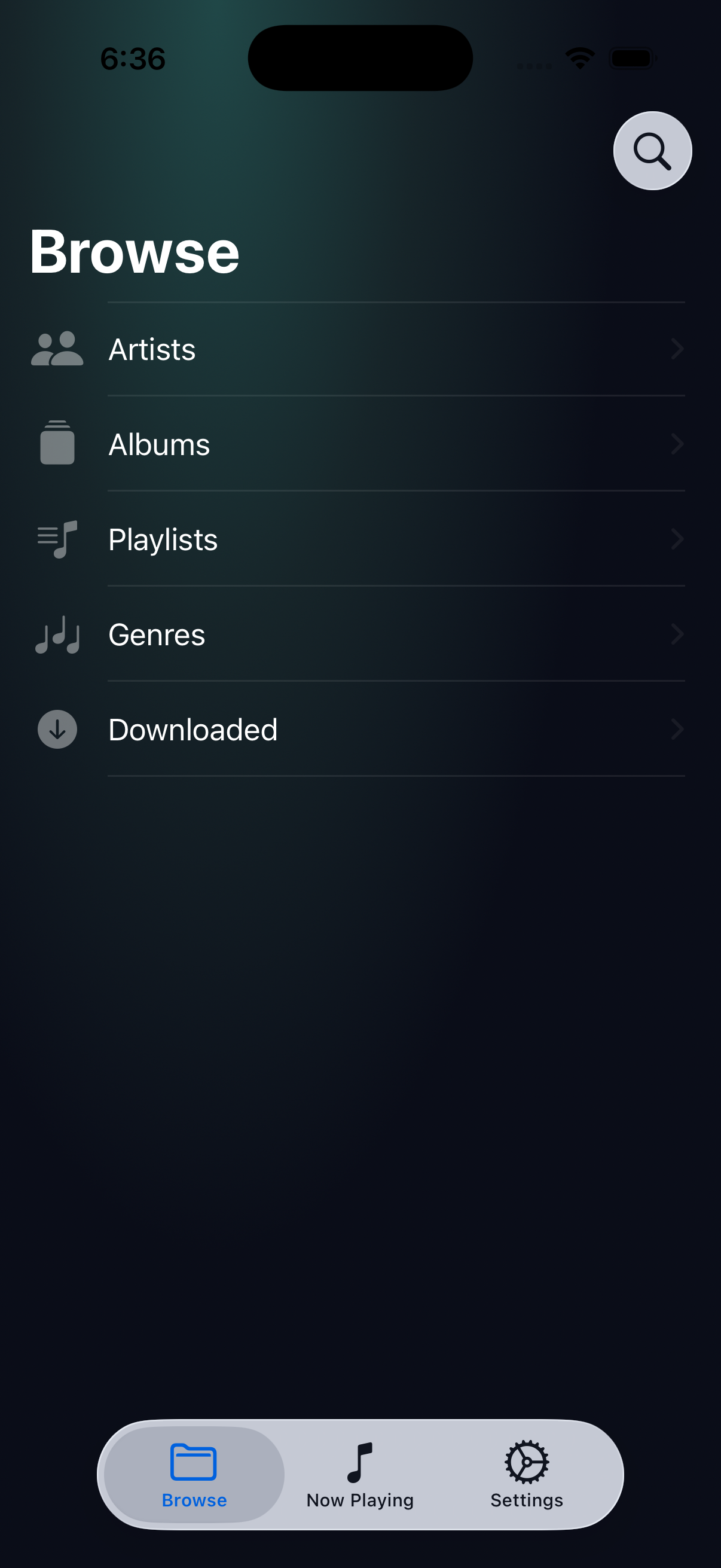
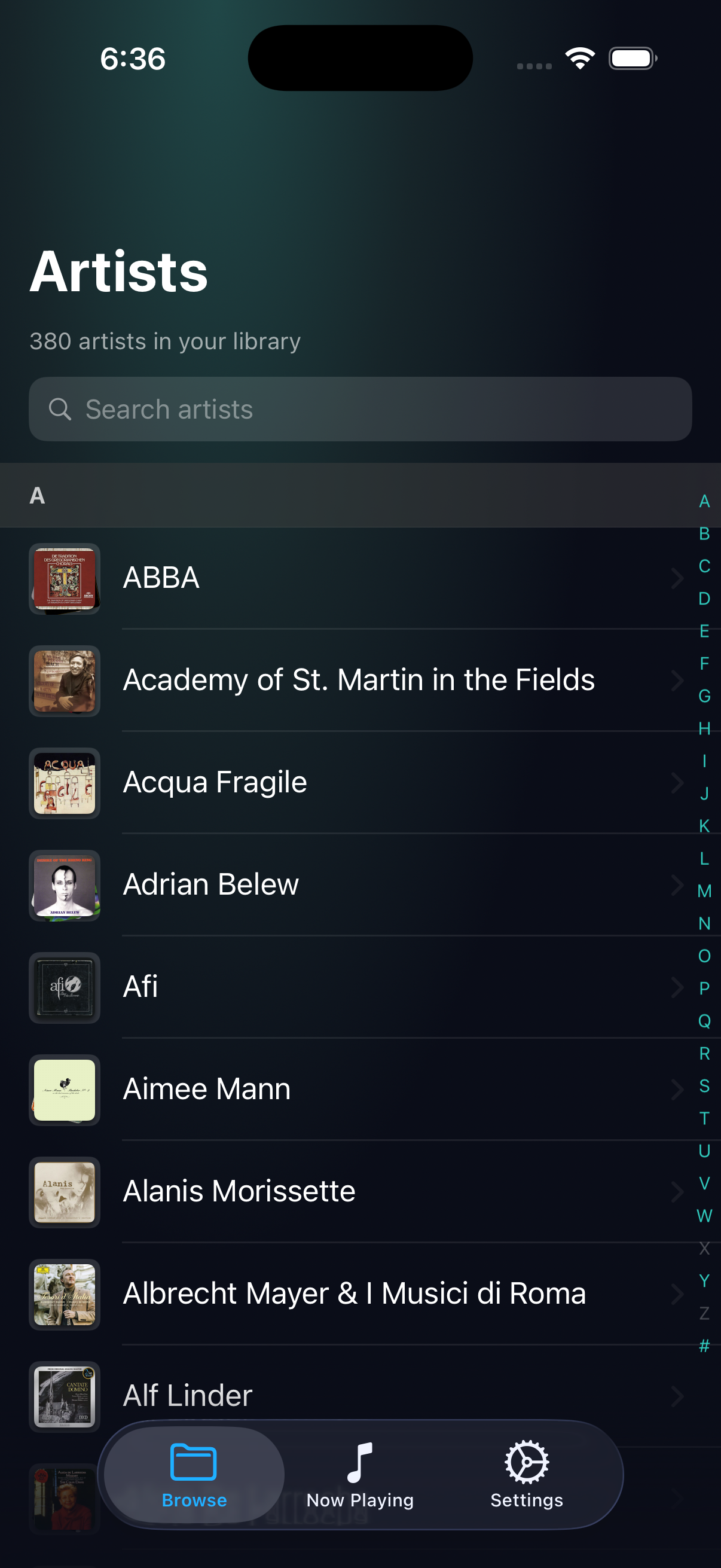
Browse your JRiver Media Center library and begin playback right away without waiting for a full download.
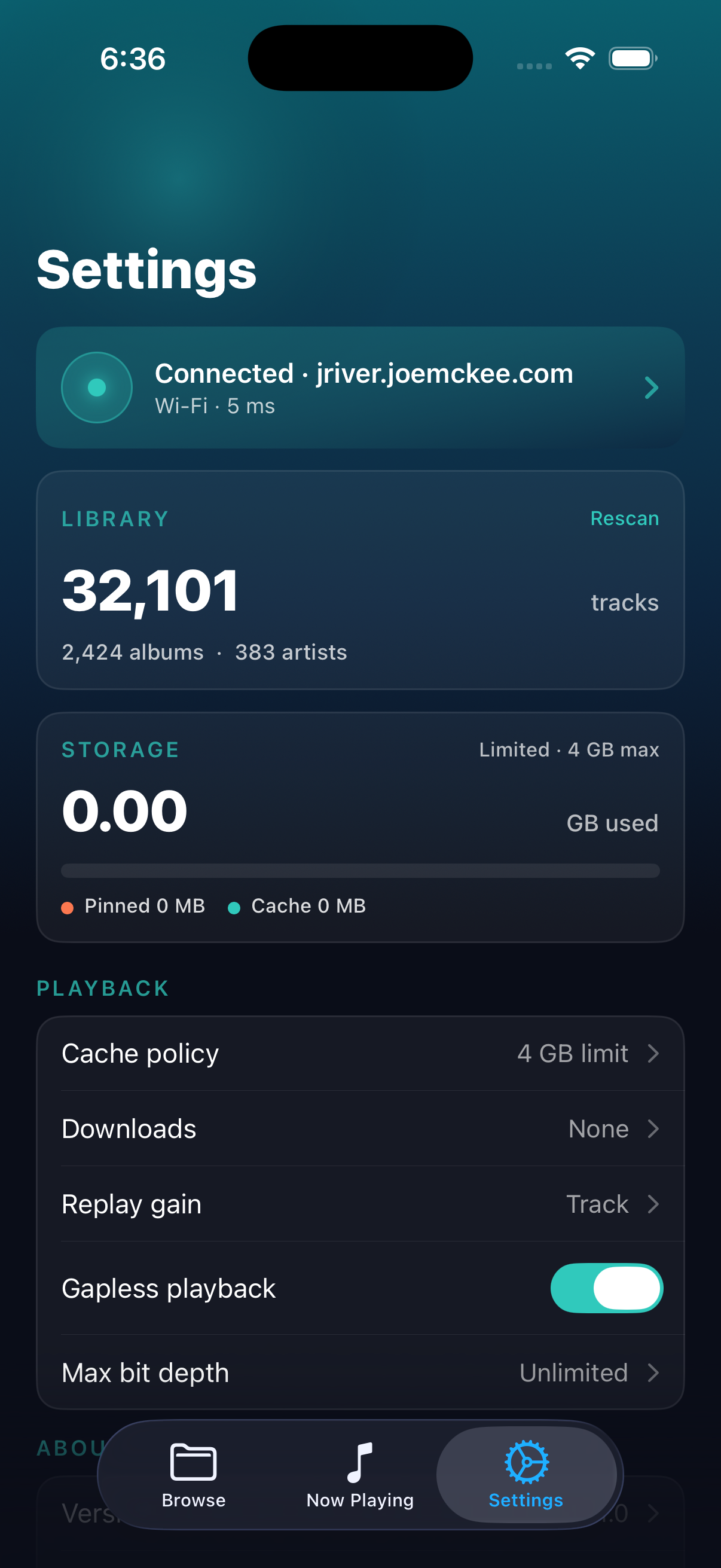
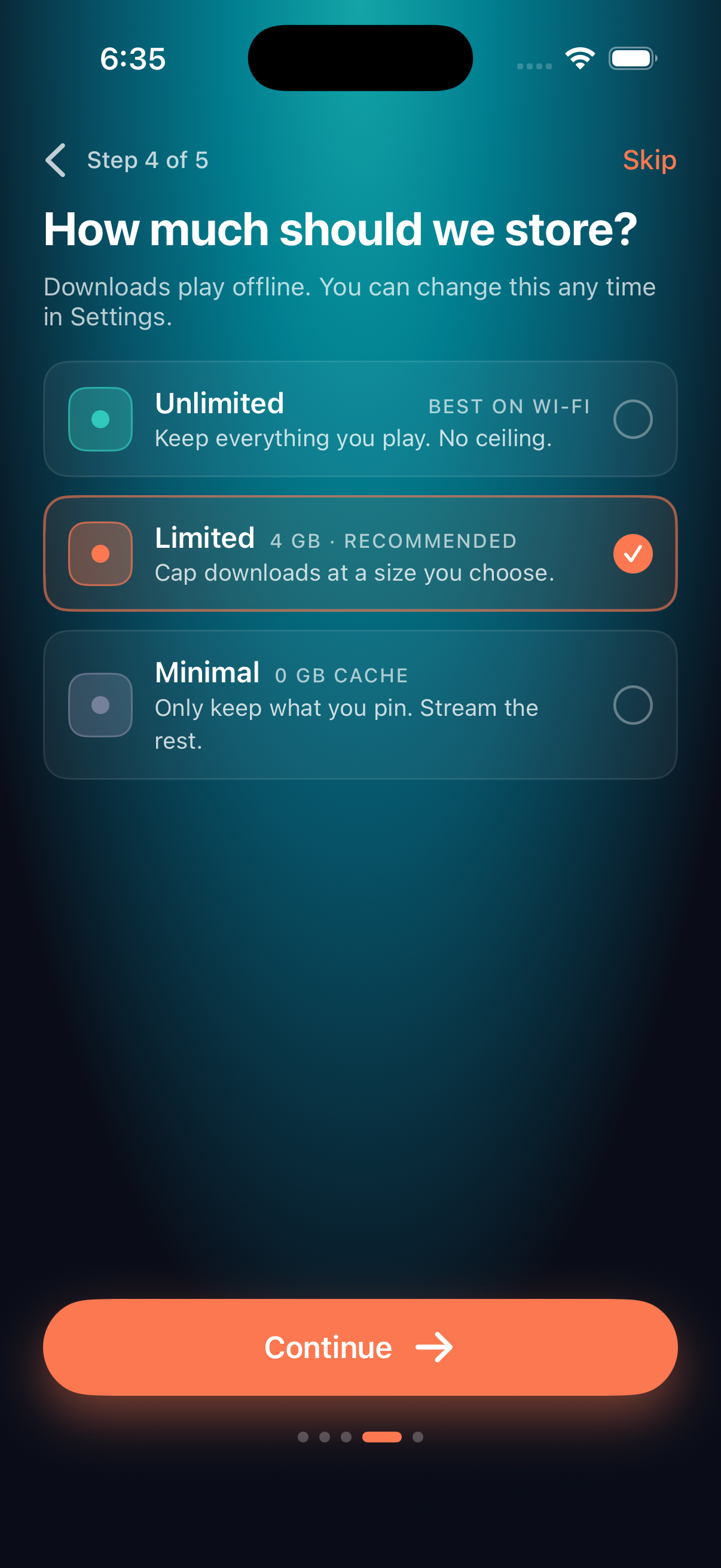
Cache tracks locally so music can continue through weak mobile coverage, tunnels, and uneven Wi-Fi.
Built around your library
JR Player connects to your JRiver Media Center server, understands albums, artists, playlists, and downloads, and gives you practical cache controls for local storage.
Screens
JR Player is an independent third-party app and is not affiliated with, endorsed by, or sponsored by JRiver, Inc. JRiver and Media Center are trademarks of their respective owners.